 WSLA
WSLA
How do I make a TikTok ad that opens WhatsApp? Complete setup steps with pictures
How to make a TikTok ad on WhatsApp goes through six steps: activate the WhatsApp API, then connect the middleware, then create the event group, then choose the campaign goal, then set the ad group, then prepare the first message. Below is each step in detail with what appears in front of you on the screen. Before you start, know that the way to make a TikTok ad on WhatsApp is divided into two halves: a technical half that takes place outside of TikTok, and an advertising half that takes place inside Ads Manager. Confusing them is the cause of most stumbles.Step 1: Activate WhatsApp API
Before anything else inside TikTok you need an official number. WhatsApp API activation is done through an authorized provider, and requires a number that is not used in the personal WhatsApp or business application. [Image: Number activation screen inside the provider panel] After completing this step, you will have a linkable number, and this is the starting point in how to make a TikTok ad on WhatsApp. The number used in another application will be rejected during the linking stage, not the advertising stage, so pay attention to that early.Step 2: Connect TikTok to WhatsApp via the middleware
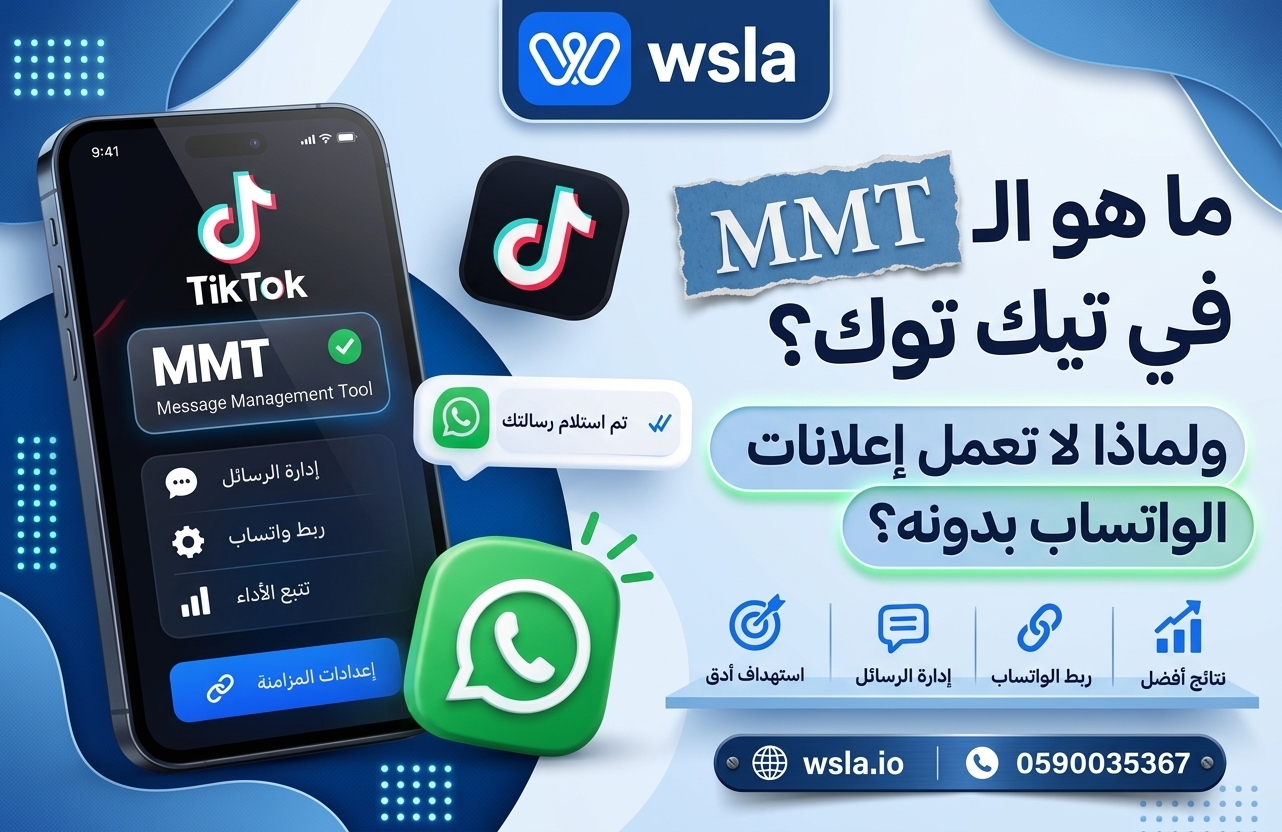
Connecting TikTok to WhatsApp does not happen directly, but rather through an approved tool that transmits chat events. From within the provider panel, you choose to link your TikTok account, and an official authorization screen from TikTok appears granting it access to your advertising account. [Image: Authorization screen between the provider and the TikTok account] Details of how this tool works and why it's required are on MMT TikTok, the can't-miss stop on any TikTok ad account that wants to improve on the conversation. How to create a TikTok ad on WhatsApp would not be complete without completing this link first.Step 3: Events Manager TikTok and Events Collection
Open Events Manager TikTok from within your TikTok ad account, then choose Create a data source and type it as Salla. You will be asked to select the tool you linked in the previous step. [Image: Creating a data source of type Salla] After saving, the event group appears in an active status. Review it in the TikTok Events Manager before continuing. If it appears disconnected, the problem is with linking TikTok to WhatsApp, not the campaign itself.Step 4: Choose the campaign goal
From within your TikTok ad account, click Create Campaign, then choose Simplified or Custom mode. When choosing the campaign goal, select Attracting Potential Customers, as it is the only goal that allows Salla as a destination. [Image: Campaign goal selection screen] Wrong aim is the most reason why WhatsApp option may not appear later. This is precisely where most beginners find the way to create a TikTok ad on WhatsApp stumbles.Step 5: Set up a messaging campaign and ad set
It is at the ad set level that the actual creation of a messaging campaign begins. Choose Salla Apps as the location for optimization, select WhatsApp as the destination, and then choose the set of events you created. [Image: Choosing a Salla destination and event set] Then set the optimization event. If the Conversations option appears, choose it. This is what makes setting up a messaging campaign different from a regular clicks campaign, and is the most important difference in the whole way a TikTok ad works on WhatsApp. The difference between the two options and its cost impact is explained in Optimizing Conversations on TikTok. Then complete the audience, budget, and scheduling as you would for any campaign. Leave scheduling based on your working hours, because setting up a messaging campaign that runs throughout the day will buy you conversations that no one responds to.Step 6: Advertisement and first message
Upload the video, then write the prompt and introductory message text that will appear ready in your customer conversation. Make it a question, not a greeting, such as: “I would like to inquire about…” because a question message increases the percentage of people who actually click send after opening the conversation. [Image: Adjusting the prompt button and introductory message] Finally, prepare the autoresponder before activation. How to make a TikTok ad on WhatsApp: It ends when the conversation is opened, while the sale starts from the first response within two minutes.Is the way to do a TikTok ad on WhatsApp different from Meta?
Those who are accustomed to Meta ads will find the track familiar in its second half and completely different in its first half. In Meta, it is enough to link your number to a business account, but here it is necessary to have an approved intermediary, a registered event, and activate the WhatsApp API first of all. The practical difference is that how to run a TikTok ad on WhatsApp requires technical preparation before opening the Ads Manager at all. Whoever starts directly from the campaign creation screen will encounter the absence of the WhatsApp option and will not know the reason.Common mistakes that stop the campaign
A personal WhatsApp user number, so activation fails in the first place. Selecting the wrong goal for the campaign, WhatsApp destination does not appear. An inactive set of events due to incomplete connectivity between the two platforms. There is no automatic response, so conversations arrive and die before anyone opens them. A budget that runs 24 hours a day while your team only responds during limited hours.Frequently asked questions
Do I need a special ad account? No, a regular TikTok ad account is sufficient, provided that it is verified and linked to the middleware, and that the payment method is active.Why doesn't the WhatsApp option appear for me? Mostly because of a wrong campaign goal, or because the event group is not connected in Events Manager TikTok. Review steps two and three before trying again.
Can I use the wa.me link directly? It is possible, but you lose tracking and optimization, and the campaign turns into a clicks campaign rather than a conversation campaign. This is not a link between TikTok and WhatsApp in the technical sense, but just an external link.
Can more than one number be played? Yes, each number requires separate activation and its own set of events within the account. Do I need to reconfigure when launching a new campaign? No, how to run a TikTok ad on WhatsApp is done once, and then you repeat only steps 4 and 5 for each campaign.